



Much more than burning discs
The idea behind Ashampoo Burning Studio is to become the complete solution when it comes to burning optical discs in any format (CD, DVD or Blu-Ray), preparing covers for burned projects and the conversion of files before burning them.
The best option to burn discs.
And it's very useful because if you haven't got enough room on your hard drive to save photos or other file or you just want to carry out backups, burning optical discs will avoid you from having to share your data with third parties, regardless of how secure online storage systems like Google Drive, OneDrive or Dropbox are meant to be.
Main functions
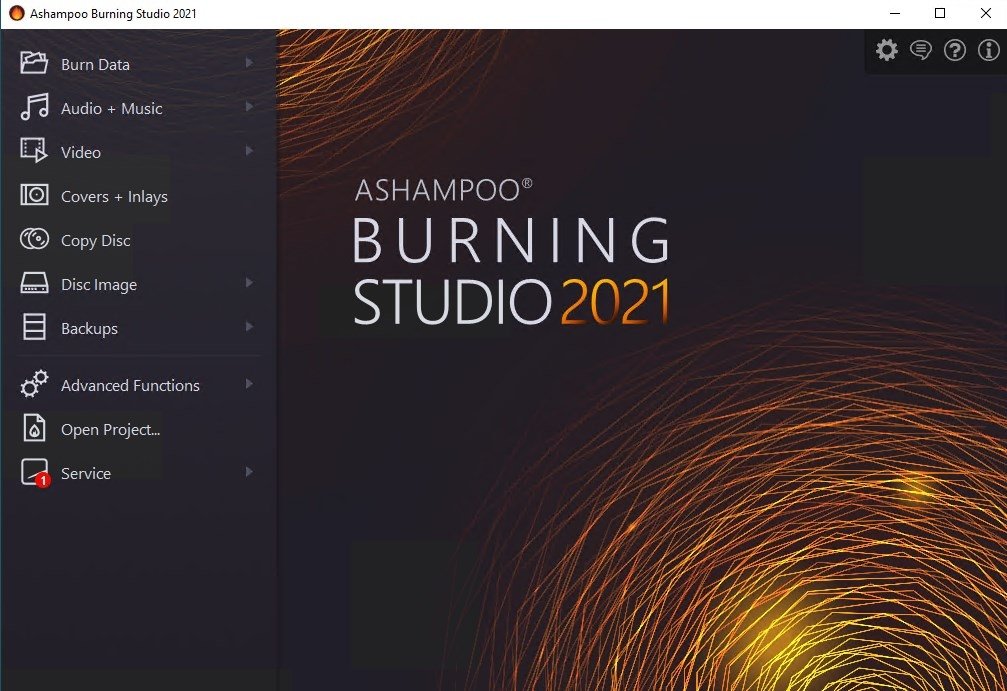
We will access this singular application's options from a well-tailored interface:
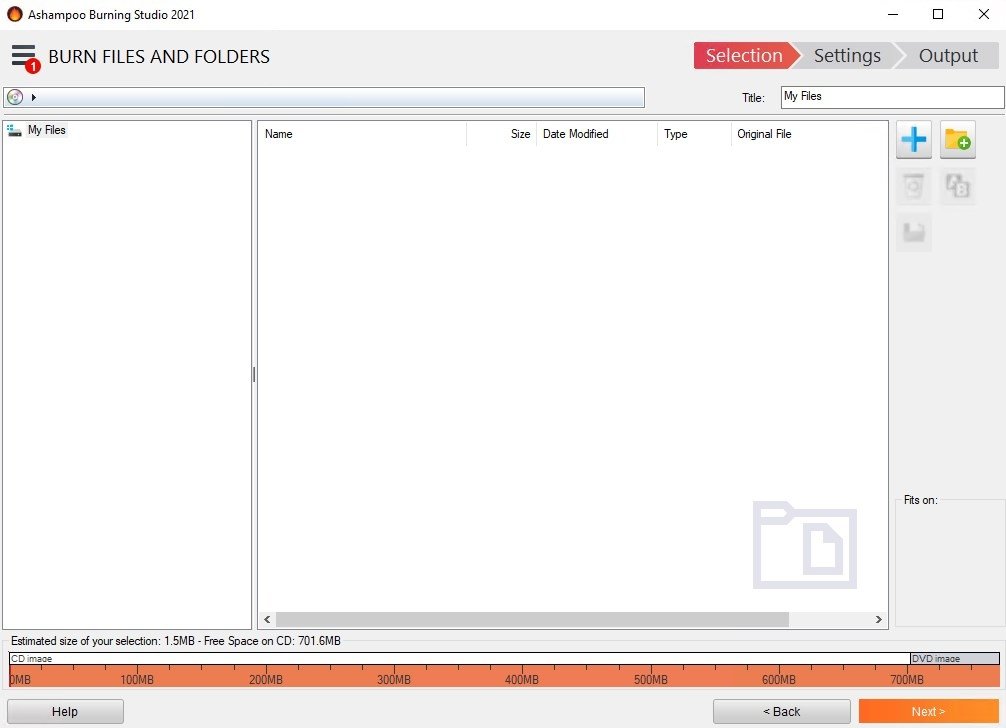
- Data burning and creation/copying of disc images.
- Extract audio from a video in MP3 format and create audio discs.
- Backups on DVD or Blu-Ray.
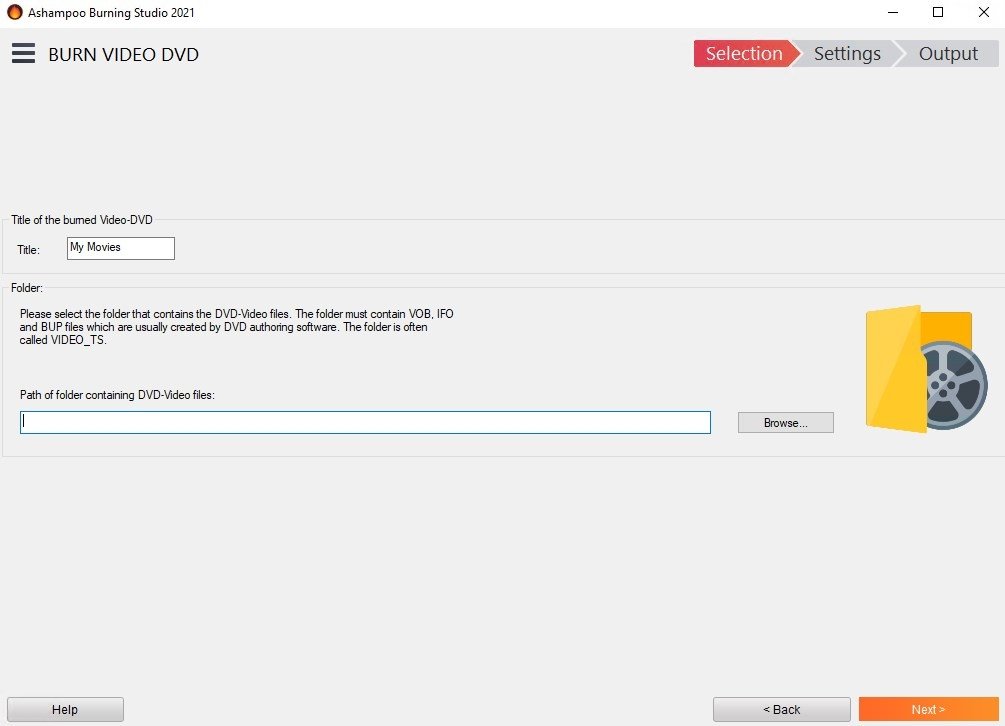
- Video preparation and editing for VCD, DVD-Video and Blu-Ray Video discs.
- Copying CD/DVD/Blu-Ray.
- Erase rewritable discs.
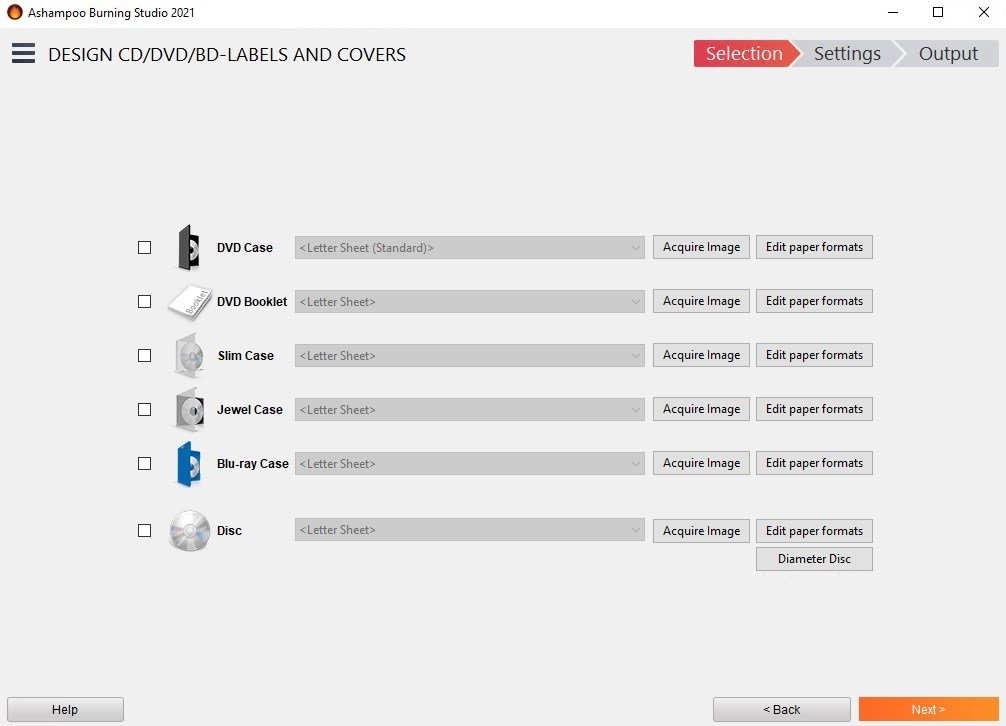
- Cover creation for all type of discs.
How are discs burnt?
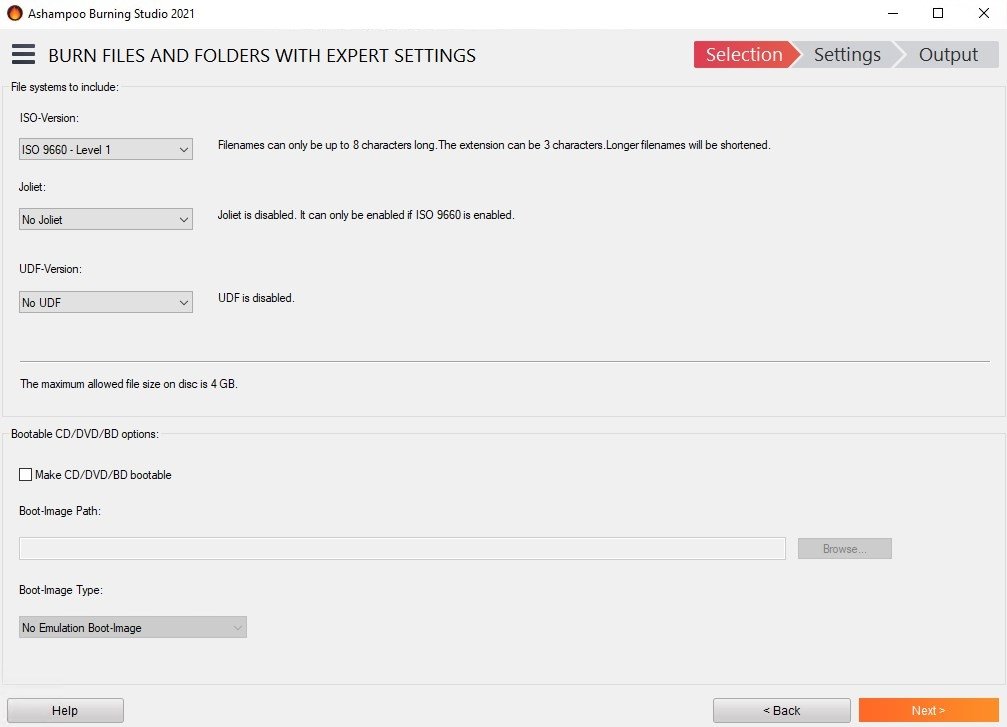
One of the main advantages of Ashampoo Burning Studio is that it doesn't require great computing knowledge to be able to create any type of disc, because the application will guide the user step by step along the process, indicating all the options available.
A license for version 9? And 14, 15 or 16? Just signup as a user!
Some other of this application's strong points are its photo album editor or its integrated video editor, that will allow us to edit the duration of a clip, create transitions or fades, add titles or subtitles, add music and create menus for our DVDs among other features.
But, which one's better? Maybe Nero?
We're talking about two classics of burning CDs, DVDs and Blu-rays that have had to renew themselves to get back into business taken over by flash memories and fast Internet connections. Regardless of whichever one you choose, they're both great options.
If you want to have all the elements necessary to copy optical discs, and you don't want to have to use more than one program or spend a full day reading the manual, it must be one of the best options available.
Requirements and additional information:
- The trial period lasts for 10 days, that can be extended to 30 days by means of a free registry.
 Elies Guzmán
With a degree in History, and later, in Documentation, I have over a decade of experience testing and writing about apps: reviews, guides, articles, news, tricks, and more. They have been countless, especially on Android, an operating system...

Antony Peel